
LinkedIn Profile Photo Requirements 2026: Size, Specs & Best Practices
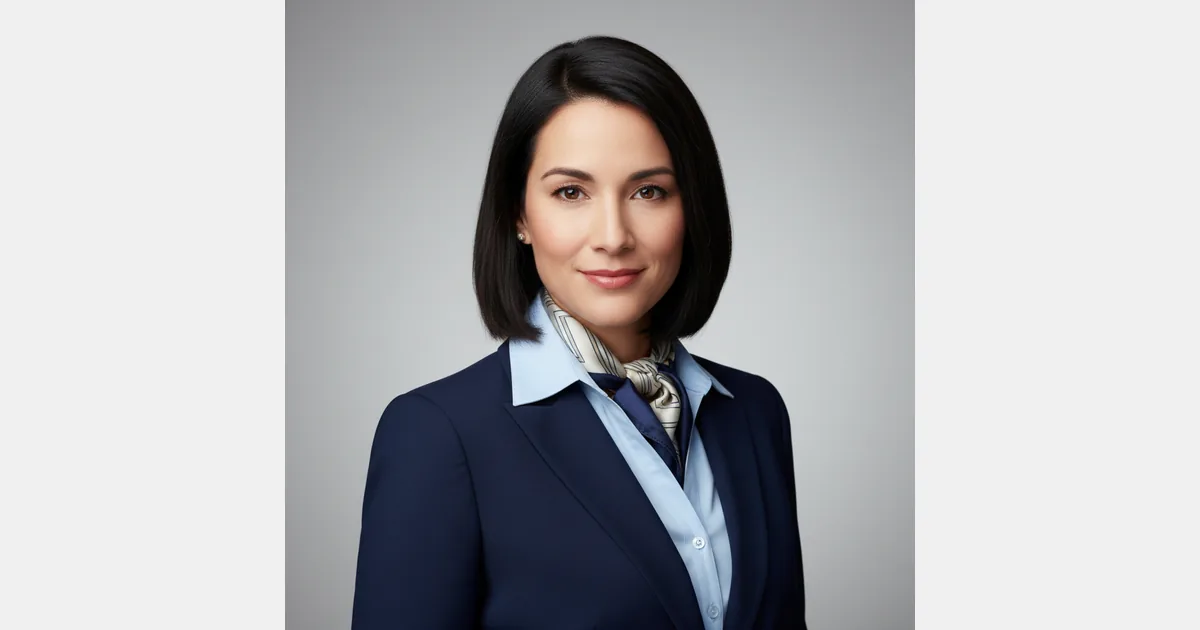
Your LinkedIn profile photo is the first thing a recruiter, hiring manager, or potential client sees before reading a single word you've written. A blurry, casual, or outdated photo damages your credibility before any interaction even begins. On a platform where 95% of recruiters use LinkedIn to find candidates, that first impression matters enormously.
This guide covers everything you need to know about LinkedIn profile photo requirements in 2026, from the exact technical specs to what makes a photo actually work for your career.
LinkedIn Profile Photo Size Requirements
LinkedIn has specific technical requirements for profile photos:
| Specification | Requirement |
|---|---|
| Minimum size | 400 × 400 px |
| Maximum size | 7,680 × 4,320 px |
| Recommended size | 400 × 400 to 800 × 800 px |
| Aspect ratio | 1:1 (square — LinkedIn crops to a circle) |
| Accepted formats | JPEG, PNG, GIF (static only) |
| Maximum file size | 8 MB |
LinkedIn displays your photo as a circle on your profile, in search results, and in the feed. The platform crops a square image into a circle, so keep your face centered to avoid being cut off at the edges.
LinkedIn Background Photo Size (Banner)
The banner image behind your profile photo is often overlooked but is valuable real estate for personal branding.
| Specification | Requirement |
|---|---|
| Recommended size | 1,584 × 396 px |
| Aspect ratio | 4:1 |
| Maximum file size | 8 MB |
| Accepted formats | JPEG, PNG, GIF (static only) |
A clean, professional banner reinforces your brand. Many professionals use a simple solid color, a subtle texture, or a banner that references their industry or company.
What Makes a Good LinkedIn Profile Photo?
Technical compliance is just the starting point. What actually separates a photo that converts from one that blends into the background:
- Professional attire matching your industry. Corporate roles call for business professional; creative industries can be more relaxed.
- Plain or simple background. White, light grey, or a soft blurred background keeps attention on your face.
- Good, even lighting. Natural window light or professional studio lighting; avoid harsh shadows.
- Face occupying 60-70% of the frame. Too far away looks distant; too close looks uncomfortable.
- Direct eye contact with a slight, natural smile. Projects confidence and approachability.
- Recent photo, within 2 years. People should recognize you when they meet you.
What Makes a Good LinkedIn Profile Photo by Industry?
What works in tech looks different from what works in finance or healthcare. A quick guide:
| Industry | Suggested Style |
|---|---|
| Finance / Law | Formal business attire, neutral background, direct expression |
| Technology | Smart casual acceptable, clean background, natural smile |
| Healthcare | Scrubs or clinical attire, white or light background |
| Creative / Marketing | More personality allowed — subtle color, relaxed expression |
| Executive / C-Suite | Polished and formal, professional headshot quality |
Common LinkedIn Photo Mistakes to Avoid
These are the mistakes that hurt professionals most:
- Selfies or casual photos. A bathroom selfie or a cropped party photo sends the wrong signal.
- Group photos. Cropped from a group creates awkward edges and looks amateur.
- Outdated images. If you look noticeably different from your photo, it creates an awkward first impression in person.
- Poor lighting. Shadows across the face, backlit photos, or fluorescent office lighting flattens your features.
- Background distractions. A cluttered desk, busy room, or unusual environment draws attention away from you.
- Heavy filtering or editing. Over-edited photos look artificial and raise questions about authenticity.
How AI Headshots Meet LinkedIn Requirements
AI headshots from HeadshotsByAI are built to satisfy LinkedIn's technical and professional standards out of the box:
- Delivered at 800×800 px or higher — comfortably above LinkedIn's 400×400 minimum
- JPEG and PNG formats available — both LinkedIn-accepted
- Plain professional backgrounds as default — white, light grey, and gradient options
- Professional framing with face centered at 60–70% of frame
- Consistent, even lighting applied by the AI model
- Multiple styles in one generation — corporate, business casual, and industry-specific options
The result is a LinkedIn-ready headshot in under 10 minutes, without scheduling a photographer or leaving your home.
Frequently Asked Questions
Are casual or selfie-style photos acceptable on LinkedIn?
Technically, LinkedIn won't reject casual photos, since the platform only enforces file size and format rules. But your career will. Casual photos consistently underperform professional headshots in recruiter engagement, connection acceptance rates, and perceived credibility. For professional use, always invest in a proper headshot.
Does LinkedIn crop my profile photo into a circle?
Yes. LinkedIn displays your profile photo as a circle in most contexts: on your profile page, in search results, in the messaging sidebar, and in the feed. Your photo is stored as a square but displayed as a circle. Always center your face and leave some margin around it to avoid getting cut off.
How often should I update my LinkedIn photo?
Every 2–3 years is a good rule, or whenever your appearance changes significantly (new hairstyle, significant weight change, or more than a few years older). People should be able to recognize you from your photo when meeting in person.
Can I use an AI-generated headshot on LinkedIn for professional purposes?
Yes. Thousands of Fortune 500 employees, consultants, executives, and job seekers use AI-generated headshots on LinkedIn. LinkedIn doesn't have a policy against AI headshots, and at professional quality, they are visually indistinguishable from traditionally photographed headshots. What matters is whether the photo looks professional — not how it was produced.
What's the difference between my profile photo and my background photo?
Your profile photo (400×400 minimum, circular display) is your primary identity image. Your background photo (1,584×396, rectangular) is the banner behind your profile. Both contribute to your professional brand on the platform.
Get a LinkedIn-Ready Headshot in 10 Minutes
A professional LinkedIn photo doesn't require a photography studio, scheduling headaches, or a $300+ session. HeadshotsByAI generates studio-quality headshots from your existing photos, with 30+ headshots delivered in under 10 minutes, starting at $29.
The difference a professional photo makes is real: profiles with professional headshots get significantly more profile views, connection requests, and recruiter outreach. Few profile upgrades deliver this much return for the effort.
Related tools and guides:
- Free LinkedIn Photo Analyzer — Get instant feedback on your current photo
- AI Headshots for LinkedIn — Professional headshots optimized for LinkedIn
- Free LinkedIn Headline Generator — Write a compelling headline
Ready to create your professional headshots?
Join thousands of professionals who have already transformed their online presence with AI-powered headshots.
Continue Reading
AI Headshots in 2026: How to Get Professional Results That Actually Look Like You
Most AI headshot tools give you a professional photo. Not your photo. This guide covers why identity drift happens, how to avoid it, and how to get results that actually look like you.
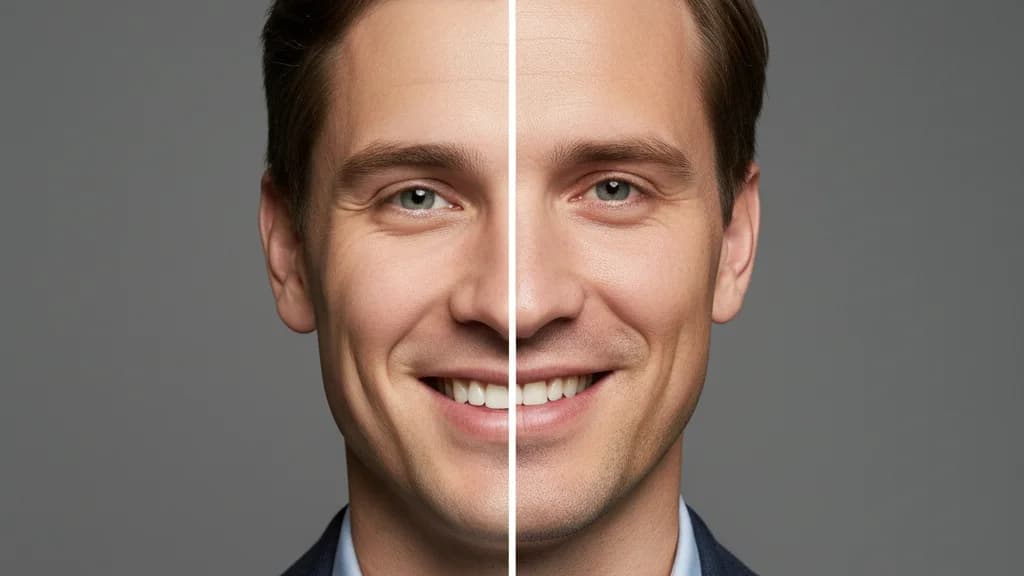
AI Headshots vs Traditional Photography in 2026: An Honest Comparison
Cost, speed, quality, identity preservation — an honest breakdown of AI headshots vs a traditional photographer in 2026, with clear guidance on which is right for your situation.
ERAS Headshot Requirements 2026: Complete Guide for Medical Students
ERAS requires a professional headshot for your residency application. Get the exact specs, common mistakes to avoid, and how AI headshots meet every requirement — in 10 minutes.