
Best AI Headshot Generator Tips for Perfect Results
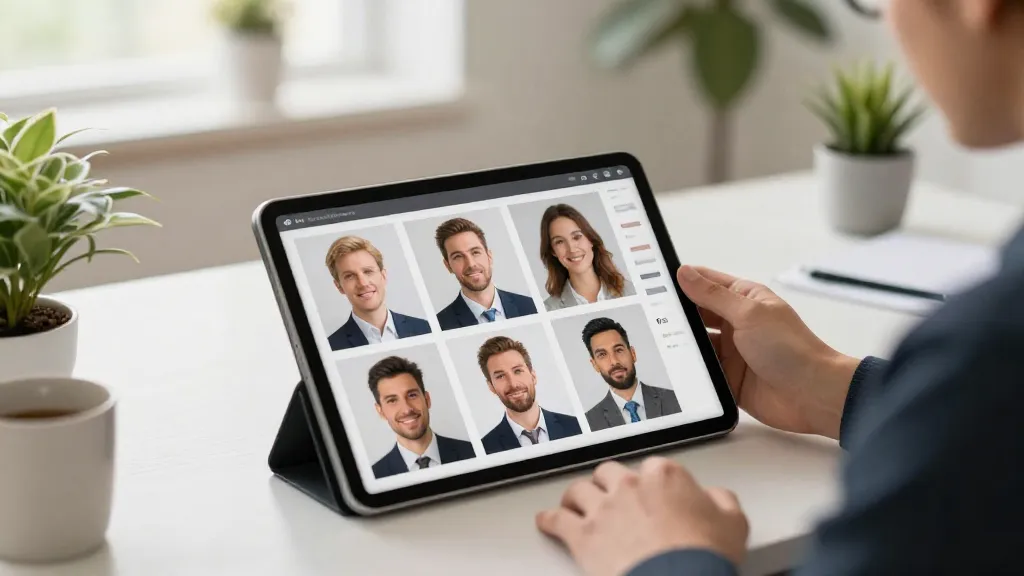
Getting perfect results from an AI headshot generator isn't just about uploading random photos and hoping for the best. The quality of your AI-generated headshots depends heavily on the input photos you provide and how well they align with what the AI needs to create accurate, professional results. This comprehensive guide shares expert tips for maximizing your AI headshot quality, from photo selection and lighting to wardrobe choices and common pitfalls to avoid.
Understanding What AI Needs to Succeed
Before diving into specific tips, it's important to understand what AI headshot generators need from your input photos to create exceptional results.
The AI Learning Process
When you upload photos to an AI headshot generator, the system creates a personalized model specifically trained to recognize your unique features. The AI analyzes your photos to learn:
- Your facial structure, proportions, and bone structure
- Eye color, shape, and characteristics
- Skin tone, texture, and complexion
- Hair color, style, texture, and volume
- Natural expressions and mannerisms
- How your features appear from different angles
The more clearly and consistently the AI can identify these characteristics, the more accurate and professional your generated headshots will be.
Quality Input Equals Quality Output
The fundamental principle of AI headshot generation is simple: quality input photos produce quality output headshots. Blurry, poorly lit, or inconsistent photos confuse the AI, resulting in subpar headshots. Conversely, high-quality, well-lit, varied photos enable the AI to create stunning professional results.
Photo Selection Tips: Choosing the Right Images
Selecting the right input photos is the single most important factor determining your AI headshot quality.
Minimum Photo Requirements
Number of Photos: Upload at least 10-20 photos. More photos (up to 25-30) provide better results by giving the AI more data to learn your features accurately. However, quality matters more than quantity - 15 excellent photos outperform 30 mediocre ones.
Photo Variety: Include photos showing:
- Different angles (front-facing, slight left turn, slight right turn)
- Various expressions (neutral, slight smile, professional demeanor)
- Multiple lighting conditions (indoor, outdoor, natural light, artificial light)
- Different environments (but always with you as the clear focus)
Photo Quality Standards
Resolution Requirements: Use high-resolution photos with at least 1000x1000 pixels. Higher resolution (1500x1500 or larger) is even better. The AI needs sufficient detail to accurately capture your features.
Image Clarity: Photos must be sharp and in focus, especially on your face. Slightly out-of-focus backgrounds are fine, but your facial features should be crisp and clear. Avoid blurry, pixelated, or heavily compressed images.
Face Visibility: Your entire face should be clearly visible and unobstructed. This means:
- No sunglasses (regular glasses are fine)
- No hats covering your forehead or casting shadows
- No hands or objects obscuring parts of your face
- No heavy shadows hiding facial features
- Your face should occupy a significant portion of the frame
Photo Composition Guidelines
Framing: While not mandatory, photos where your face occupies a reasonable portion of the frame work best. Full-body shots can work, but close-ups and mid-range shots (head and shoulders visible) are ideal.
Solo Shots vs. Group Photos: Strongly prefer solo photos where you're the only person. While some AI systems can handle group photos, solo shots eliminate confusion and produce better results. If you must include group photos, ensure you're clearly distinguishable and well-lit.
Background Considerations: The background matters less than you might think - the AI focuses on you. However, avoid extremely cluttered or distracting backgrounds that might interfere with accurate feature detection. Simple, clean backgrounds work well, but varied backgrounds (outdoor, indoor, different settings) are actually beneficial for training.
Recent and Consistent Photos
Currency: Use recent photos that represent your current appearance. AI headshots will match your input photos, so uploading photos from 5 years ago will produce headshots showing how you looked then, not now.
Consistency: Maintain relatively consistent appearance across your input photos. Don't mix photos showing dramatically different:
- Hairstyles or hair colors (unless in transition)
- Facial hair (full beard vs. clean-shaven)
- Weight or facial structure
- Age (don't mix photos from different years with significant changes)
Consistency helps the AI create a coherent model of your current appearance.
Lighting Tips: Illuminating Your Best Features
Proper lighting in your input photos dramatically impacts AI headshot quality. Understanding lighting principles helps you select the best photos.
Natural Light: Your Best Friend
Golden Hour Magic: Photos taken during golden hour (the hour after sunrise or before sunset) offer soft, flattering natural light that enhances features without harsh shadows. These photos often produce exceptional AI results.
Overcast Days: Cloudy days provide beautifully diffused natural light that minimizes harsh shadows and evenly illuminates your face. Don't dismiss photos taken on overcast days - they often work wonderfully.
Window Light: Indoor photos taken near large windows with natural light streaming in create beautiful, professional-looking illumination. Position yourself facing the window (not backlit) for optimal results.
Artificial Lighting Guidelines
Soft, Diffused Light: If using artificial lighting, ensure it's soft and diffused rather than harsh and direct. Ceiling lights, lamps with shades, or ring lights provide better results than bare bulbs or direct flash.
Multiple Light Sources: Photos with balanced lighting from multiple sources (avoiding harsh single-directional light) work well. This creates dimension without extreme shadows.
Avoid Flash: Direct camera flash often creates unflattering highlights, red-eye, and harsh shadows. If flash was used, ensure the photo still looks natural and well-balanced.
Lighting Conditions to Avoid
Harsh Overhead Lighting: Direct overhead lights (like harsh midday sun or bright ceiling fixtures without diffusion) create unflattering shadows under eyes, nose, and chin. These shadows confuse the AI and produce suboptimal results.
Extreme Backlighting: Photos where strong light sources are behind you, silhouetting your face, prevent the AI from seeing your features clearly. Avoid strong backlighting unless your face is still well-illuminated from the front.
Very Dark or Underexposed Photos: Photos where your face is shrouded in darkness or heavily underexposed lack the detail AI needs. Ensure your face is well-lit and clearly visible.
Mixed Color Temperature: Avoid photos with strange color casts from mixed lighting (like greenish fluorescent tones or orange tungsten light). Natural-looking color temperature helps the AI understand your true skin tone.
Lighting Variety Benefits
Interestingly, including photos with varied lighting conditions actually helps the AI. Upload photos with:
- Natural outdoor lighting
- Indoor natural window light
- Well-balanced artificial lighting
- Different times of day
This variety teaches the AI how your features appear under different conditions, improving the quality and versatility of your generated headshots.
Wardrobe and Styling Tips
While the AI can generate headshots with different outfit appearances, your input photo wardrobe still matters.
Clothing Choices in Input Photos
Variety is Good: Include photos showing you in different types of clothing - casual, business casual, formal. This helps the AI understand your appearance in various contexts.
Avoid Extreme Outfits: Skip photos in costume, theatrical outfits, or clothing that dramatically alters your appearance (like bulky winter gear covering your neck and shoulders).
Solid Colors Work Well: While not mandatory, solid-colored clothing in your input photos tends to photograph well and helps the AI focus on your face rather than complex patterns.
Necklines Matter: Include some photos showing typical professional necklines - collared shirts, crew necks, or professional tops. This helps the AI generate appropriately professional headshots.
Grooming and Appearance
Hair Consistency: Keep hairstyle relatively consistent across input photos. If your hair length or style varies significantly, the AI may struggle to create cohesive headshots. Use photos from the same general time period.
Facial Hair: If you have facial hair you want in your headshots, ensure most input photos show it. Conversely, if you want clean-shaven headshots, upload photos without facial hair.
Makeup Considerations: For those who wear makeup, natural, professional makeup in input photos works best. Avoid heavy theatrical makeup, dramatic eye makeup, or very bold lip colors in most photos. The AI works best with natural appearance.
Accessories: Glasses are fine and the AI handles them well - just ensure they don't cast heavy shadows on your face. Avoid large, distracting jewelry or accessories that might interfere with facial feature recognition.
What to Avoid
Heavy Filters: Never upload photos with Instagram filters, Snapchat effects, beauty filters, or heavy editing. The AI needs to learn your natural appearance, and filters prevent accurate feature recognition.
Excessive Editing: Avoid photos with extreme smoothing, skin retouching, face-slimming effects, or other digital alterations. The AI will try to match your edited appearance, resulting in unrealistic headshots.
Unusual Makeup or Styling: Skip photos with costume makeup, face paint, or styling dramatically different from your professional appearance.
Expression and Pose Tips
The expressions and poses in your input photos influence the AI's understanding of your natural demeanor.
Natural Expressions Work Best
Avoid Exaggerated Expressions: Skip photos with exaggerated smiles, surprised looks, silly faces, or dramatic expressions. Natural, relaxed expressions produce better professional headshots.
Include Variety: Upload photos showing:
- Neutral, relaxed expression (your resting professional face)
- Slight, natural smile
- Warm, approachable expression
- Confident, professional demeanor
This variety enables the AI to generate headshots with appropriate professional expressions.
Pose Considerations
Head Angle Variety: Include photos with your head in slightly different positions:
- Straight-on, facing camera directly
- Slight turn to the left
- Slight turn to the right
- Very slight head tilt (not extreme)
Eye Contact: Most photos should show you looking at the camera or near the camera. Eye contact creates engagement in professional headshots.
Shoulder Position: Include some photos showing your shoulders at natural, relaxed angles. This helps the AI understand your body positioning for professional headshot composition.
Common Mistakes to Avoid
Understanding frequent mistakes helps you sidestep pitfalls that reduce AI headshot quality.
Photo Quality Mistakes
Uploading Too Few Photos: Uploading only 5-8 photos rarely provides sufficient data for the AI to create accurate personalized models. Aim for 15-25 high-quality photos.
Using Only One Type of Photo: Uploading 20 photos all taken in the same session, same location, same lighting creates limited variety. The AI needs diverse data.
Including Low-Resolution Photos: Photos taken on older phones, heavily cropped images, or low-quality screenshots lack the detail AI needs for professional results.
Submitting Blurry or Out-of-Focus Images: Even one or two blurry photos can negatively impact results by confusing the AI's feature learning.
Appearance Consistency Mistakes
Mixing Photos from Different Time Periods: Uploading photos spanning several years showing different appearances (weight changes, aging, different hairstyles) confuses the AI. Stick to recent photos from roughly the same period.
Inconsistent Facial Hair: Mixing clean-shaven photos with bearded photos forces the AI to reconcile conflicting data. Choose photos matching your current facial hair status.
Dramatic Hair Changes: Combining photos with long hair, short hair, and different colors creates confusion. Use photos showing your current hairstyle.
Technical Mistakes
Uploading Filtered Photos: Instagram filters, beauty apps, and Snapchat effects alter your appearance in ways that confuse AI. Always use unfiltered photos.
Including Photos with Obstructions: Sunglasses, hands covering parts of your face, hats casting shadows - these obstructions prevent the AI from learning your features accurately.
Using Only Group Photos: Group photos make it harder for the AI to identify you correctly. Always prefer solo shots.
Poor File Formats: Heavily compressed JPEGs or unusual file formats may reduce quality. Use standard JPEGs or PNGs with reasonable file sizes (not overly compressed).
Expectation Mistakes
Expecting Perfect Results Immediately: Sometimes the first generation batch isn't perfect. Quality AI services allow regeneration with adjusted parameters if needed.
Not Providing Enough Variety: Uploading 20 selfies from the same angle in the same room gives the AI limited data. Provide variety in angles, lighting, and settings.
Ignoring Service Guidelines: Most AI headshot services provide specific guidance on photo requirements. Read and follow these recommendations for best results.
Advanced Tips for Exceptional Results
Take your AI headshots to the next level with these advanced strategies.
Photo Audit Before Upload
Before uploading, audit your selected photos:
- Check Resolution: Zoom in to verify each photo is sharp and high-resolution
- Assess Lighting: Ensure face is well-lit without harsh shadows in each image
- Verify Visibility: Confirm your entire face is clearly visible and unobstructed
- Evaluate Variety: Make sure you have diverse angles, expressions, and lighting
- Confirm Consistency: Verify all photos show your current appearance
Professional Photo Sources
If possible, include some photos that are already relatively professional-looking:
- Photos from business conferences or events
- Professional (but unretouched) photos from previous sessions
- High-quality photos taken by friends or family with good cameras
- Well-composed photos from LinkedIn or professional profiles
These give the AI strong reference points for professional quality.
Test and Iterate
Many AI services allow multiple generation batches. Don't hesitate to:
- Generate an initial batch and review results
- Adjust your input photos if results aren't optimal
- Try different photo selections if needed
- Regenerate until you achieve desired quality
Context-Specific Optimization
Consider your headshot's intended use when selecting photos:
Corporate/Conservative Industries: Emphasize formal, conservative input photos with professional attire and neutral expressions.
Creative Industries: Include photos showing more personality, varied expressions, and creative energy while maintaining professionalism.
Startups/Tech: Balance professionalism with approachability - natural smiles, smart-casual appearance, friendly demeanor.
Platform-Specific Considerations
Different professional platforms may benefit from different approaches.
LinkedIn Headshots
For LinkedIn and professional networking, generate headshots emphasizing:
- Professional attire appearance
- Confident, approachable expressions
- Clean, professional backgrounds
- Industry-appropriate style
Company Websites
For company team pages, ensure headshots match your organization's style:
- Consistent background style (if your team uses uniform backgrounds)
- Appropriate formality level for your company culture
- Professional but approachable demeanor
Conference and Speaking Profiles
For conference bios and speaking engagements, choose headshots showing:
- Confidence and expertise
- Approachable, engaging expression
- Professional credibility
- Industry-appropriate presentation
Troubleshooting Common Issues
If your AI headshots don't meet expectations, diagnose and fix common problems.
Headshots Don't Look Like You
Cause: Insufficient input photos, inconsistent appearance across photos, or low-quality source images.
Solution: Upload more high-quality photos (20-25), ensure consistency in appearance, verify photos are sharp and well-lit.
Unnatural or Strange Features
Cause: Blurry input photos, heavy filters on source images, or obstructed faces in input photos.
Solution: Remove filtered photos, eliminate blurry images, ensure faces are completely visible and unobstructed.
Limited Variety in Output
Cause: Too few input photos or all input photos too similar (same setting, lighting, angle).
Solution: Add more diverse input photos with varied angles, lighting conditions, and settings.
Inconsistent Results
Cause: Inconsistent appearance across input photos (different hairstyles, facial hair, weight).
Solution: Use photos from the same time period showing consistent current appearance.
Conclusion
Creating perfect AI-generated headshots is both an art and a science. By following these expert tips - selecting high-quality, diverse input photos with excellent lighting, maintaining consistent appearance, avoiding common mistakes, and providing the AI with clear, unobstructed views of your features - you'll achieve professional results that rival traditional photography.
Remember that quality input photos are the foundation of exceptional AI headshots. Take time to carefully select, audit, and prepare your photos before uploading. The investment in choosing the right images pays dividends in the quality of your professional headshots.
Whether you need headshots for LinkedIn, corporate profiles, acting portfolios, or any other professional use, these tips ensure you get the best possible results from AI headshot generation technology.
Start with excellent input photos, follow best practices for lighting and composition, avoid common pitfalls, and you'll create professional headshots that effectively represent your professional brand and make powerful first impressions across all your digital platforms.
Ready to create your professional headshots?
Join thousands of professionals who have already transformed their online presence with AI-powered headshots.
Continue Reading
How to Take Great Reference Photos for AI Headshots (That Actually Look Like You)
The quality of your AI headshots depends directly on the quality of your reference photos. Here's exactly what to shoot, how to light it, and what to avoid before you upload.
AI Headshots in 2026: How to Get Professional Results That Actually Look Like You
Most AI headshot tools give you a professional photo. Not your photo. This guide covers why identity drift happens, how to avoid it, and how to get results that actually look like you.
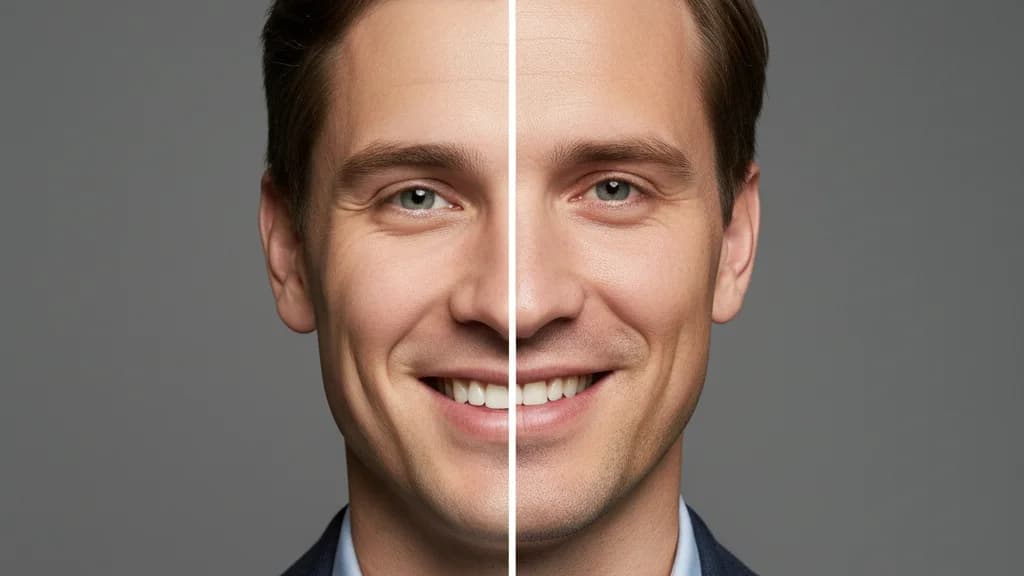
AI Headshots vs Traditional Photography in 2026: An Honest Comparison
Cost, speed, quality, identity preservation — an honest breakdown of AI headshots vs a traditional photographer in 2026, with clear guidance on which is right for your situation.