
AI Headshots in 2026: How to Get Professional Results That Actually Look Like You
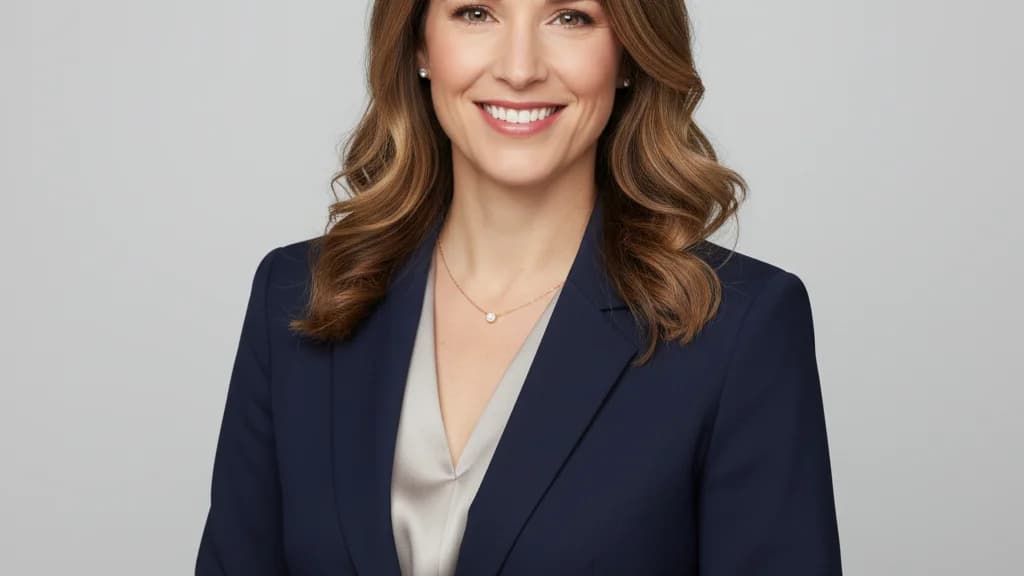
You finally decided to update your LinkedIn photo. You upload a selfie to an AI headshot tool, wait 20 minutes, and get back 50 images of someone who vaguely resembles you — but with different eyes, a smoothed-out jawline, and studio lighting that makes you look like a stock photo model.
That's the AI headshot problem in 2026. Most tools give you a headshot. Not many give you your headshot.
This guide covers what makes AI headshots worth it, what causes the "doesn't look like me" problem, and how to get professional results you can actually use on LinkedIn, your company bio, and everywhere else your face shows up first.
What Are AI Headshots?
AI headshots are professional-quality profile photos generated by artificial intelligence from your existing selfies or casual photos. Instead of booking a photographer, traveling to a studio, and spending $200–$500 for a session, you upload a few photos of yourself and receive dozens of polished, professional-looking headshots within minutes.
The technology has matured significantly in 2025–2026. The best AI headshot generators can now produce photos that are indistinguishable from genuine studio photography — sharp focus, controlled lighting, professional backgrounds, appropriate styling for the context.
What varies is whether the result actually looks like you.
The Identity Problem: Why So Many AI Headshots Miss
The most common complaint in AI headshot reviews in 2026 is a version of: "it looks professional, but it doesn't look like me."
This happens because most AI headshot generators are optimized for one thing: producing a good-looking professional photo. They're not necessarily optimized for identity preservation — keeping your actual face, your specific features, your real bone structure.
The result is technically impressive but personally useless. A LinkedIn photo that looks like a generic stock model doesn't help you — because no one who searches your name and clicks through will recognize the person in the photo.
What causes identity drift in AI headshots:
- Over-smoothing — skin texture gets erased until you look like a 3D render
- Feature averaging — the model "averages" your features toward a more symmetrical, generically attractive face
- Lighting-induced distortion — dramatic studio lighting can reshape perceived facial structure
- Training data bias — many models are trained on studio portraits, so they push outputs toward that look regardless of your input
The fix: Choose a tool built around identity preservation — where the output is locked to your face, your features, your actual self. The headshots should differ in setting, clothing, and style. Not in who you are.
How to Get AI Headshots That Look Like You: Step by Step
1. Start with good input photos
The output is only as good as the input. Here's what makes a strong reference photo:
- Clear, unobstructed face — no sunglasses, hats pulled low, or heavy shadows
- Multiple angles — straight on, slight turn left, slight turn right
- Good natural lighting — soft window light beats harsh direct sun
- Recent — from the last 6–12 months, with your current hair and features
- Varied settings — indoor and outdoor shots give the AI more to work with
You don't need a semi-professional photo to get a great output. A good phone selfie in decent light works fine. What matters is that your face is clearly visible.
2. Generate more than you need
Most AI headshot tools give you a batch — often 50–100+ options per session. Don't stop at the first one that looks decent. Browse the full output set and look for:
- Strongest face likeness — which ones most accurately capture your actual features
- Expression consistency — natural vs. pasted-on smile
- Context fit — which look matches your industry and role
Professional photographers usually deliver 5–10 final picks from a 200-shot session. Treat AI outputs the same way: you're curating from a large set, not accepting the default.
3. Match the headshot to the context
A LinkedIn headshot for a financial advisor has different requirements than one for a tech startup founder or a therapist. The goal isn't just "professional" — it's professional for your specific audience.
Ask: Who's looking at this photo, and what do they need to feel?
| Role | Visual cues that build trust |
|---|---|
| Financial advisor / CPA | Structured, confident, approachable — conveys competence without intimidation |
| Real estate agent | Warm, trustworthy, accessible — clients are handing over their biggest purchase |
| Therapist / coach | Soft lighting, genuine warmth — clients decide if they can open up to you |
| Sales / AE | Personable and professional — would you reply to this person's cold email? |
| Executive / VP | Authority and composure — projects leadership without being unapproachable |
| Tech professional | Relaxed competence — sharp but not stiff |
The best AI headshot tools let you generate multiple styles in a single session — so you can get the corporate version, the approachable version, and the industry-specific version all at once.
4. Test before you commit
Before updating your LinkedIn photo, drop both your old headshot and the new AI-generated one into a split test. Ask a few colleagues which one they'd be more likely to respond to in an email or connection request.
The results often surprise people. The photo that feels most flattering to you isn't always the one that reads as most trustworthy or competent to someone who doesn't know you.
AI Headshots vs. a Professional Photographer: What's the Actual Trade-off?
This isn't a binary choice — it's a value calculation based on your situation.
| Professional photographer | AI headshots (HeadshotsByAI) | |
|---|---|---|
| Cost | $150–$500+ per session | $29 for 30+ headshots |
| Time | Book, travel, shoot, wait for edits (1–2 weeks) | Upload selfie → results in under 10 minutes |
| Variety | 5–10 final selects per session | 30–120 options per session |
| Identity accuracy | High (you're literally there) | Depends on the tool — varies significantly |
| Location flexibility | Requires studio or on-site | Works from your phone, anywhere |
| Re-use | One-time session, re-book to update | Re-generate anytime your look changes |
The case for a photographer: if you're a C-suite executive, public speaker, or your face is prominently featured in a major PR context, a professional shoot is worth the investment. The control and nuance of a real session is hard to replicate.
The case for AI headshots: for everyone else — the job seeker, the freelancer, the mid-level professional, the small business owner — spending $300 on a session when your headshot may change in 6 months (new job, new look, new context) makes less sense than $29 for unlimited variety that you can regenerate on demand.
What Makes HeadshotsByAI Different
The core principle at HeadshotsByAI is identity consistency. Every headshot we generate is locked to you — your actual face, your real features, your bone structure — with only the context changing.
That means you get headshots that look like different photos of you, taken in different settings with different outfits. Not photos of someone who looks vaguely like you after heavy processing.
The process:
- Upload 10–15 photos (selfies, recent photos — no studio required)
- Our model learns your specific facial identity — not an average, not a smoothed version
- Generate headshots across multiple styles: corporate, approachable, executive, creative, casual professional
- Download the full set and choose the ones that fit your context
What you get:
- 30+ headshots per session
- Multiple professional styles in one batch
- Usable on LinkedIn, company bio pages, email signatures, speaker profiles, real estate listings, anywhere your photo appears
- Results in under 10 minutes
- $29 — no subscription, no photographer, no commute
The Professions That See the Biggest Impact
AI headshots improve outcomes most dramatically for professions where a photo is doing active business work — not just decoration:
Real estate agents — your face is on every listing, yard sign, and business card. Clients decide whether to call you before they've met you. A headshot that reads as warm and trustworthy isn't cosmetic; it's sales infrastructure.
Financial advisors and CPAs — trust is the product. A photo that conveys competence and approachability signals to a prospective client: this person looks like someone I'd hand my money to.
HR professionals and recruiters — yes, the irony. People whose job involves judging candidate photos on LinkedIn often have the worst photos themselves.
Sales and account executives — cold outreach is partly a numbers game, but your LinkedIn profile is the first thing a prospect sees when they get your email. A headshot that conveys warmth and credibility is the non-verbal handshake before the first call.
Anyone in a job search — recruiters look at your photo before your headline. Before your experience. Before your credentials. Your headshot is the first filter.
Common Questions
Will people know it's AI-generated?
With a good identity-preserving tool, no. The tell-tale signs of AI-generated headshots — unnatural skin, mismatched eyes, studio-model look — come from tools that don't prioritize face likeness. When the output actually looks like you in a professional setting, it reads as a professional photo.
Is it dishonest to use an AI headshot?
No more than using a filtered photo, wearing makeup, or having a photographer choose the most flattering shot. A headshot is a professional representation, not a live feed. What matters is that it accurately represents you — and an identity-preserving AI headshot does exactly that.
What if my look changes?
Regenerate. That's one of the core advantages over a traditional shoot. Update your hair, change your style, move to a new industry — a new batch of headshots is $29 away.
How many photos should I upload?
10–15 photos is the sweet spot. More variety in your input (angles, lighting, settings) gives the model more to work with and produces better identity accuracy.
Ready to Get Your AI Headshots?
Your LinkedIn headshot is working for you or against you right now. It's the first thing a recruiter, potential client, or business contact sees — often before they've read a single word of your profile.
Getting a professional headshot used to mean booking a photographer, clearing your schedule, and spending $200+. That math no longer holds.
Upload 10–15 photos. Get 30+ professional headshots. In under 10 minutes. $29.
HeadshotsByAI generates identity-preserving professional headshots for LinkedIn, company bios, real estate listings, sales profiles, and anywhere your photo creates a first impression.
Ready to create your professional headshots?
Join thousands of professionals who have already transformed their online presence with AI-powered headshots.
Continue Reading
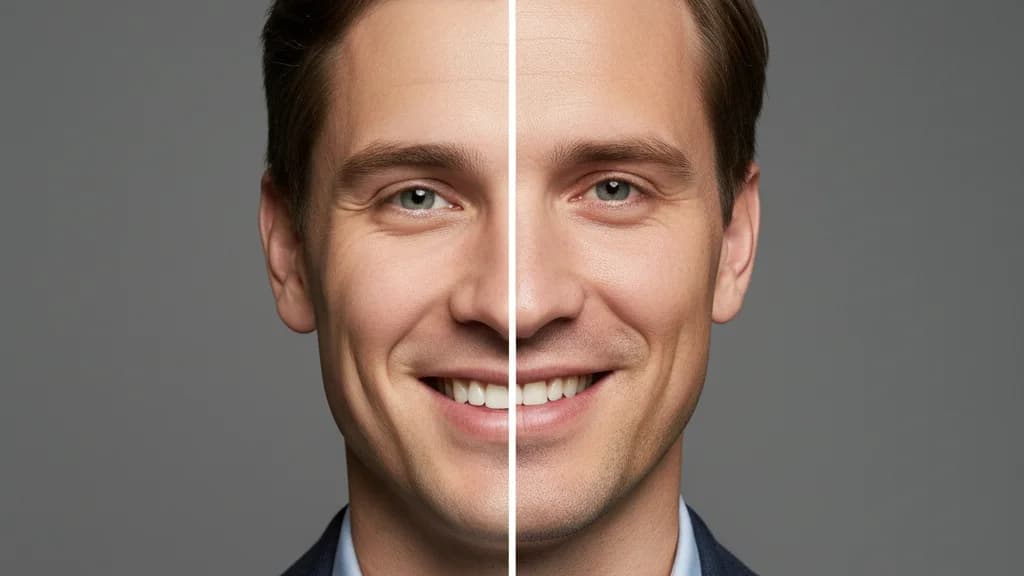
AI Headshots vs Traditional Photography in 2026: An Honest Comparison
Cost, speed, quality, identity preservation — an honest breakdown of AI headshots vs a traditional photographer in 2026, with clear guidance on which is right for your situation.
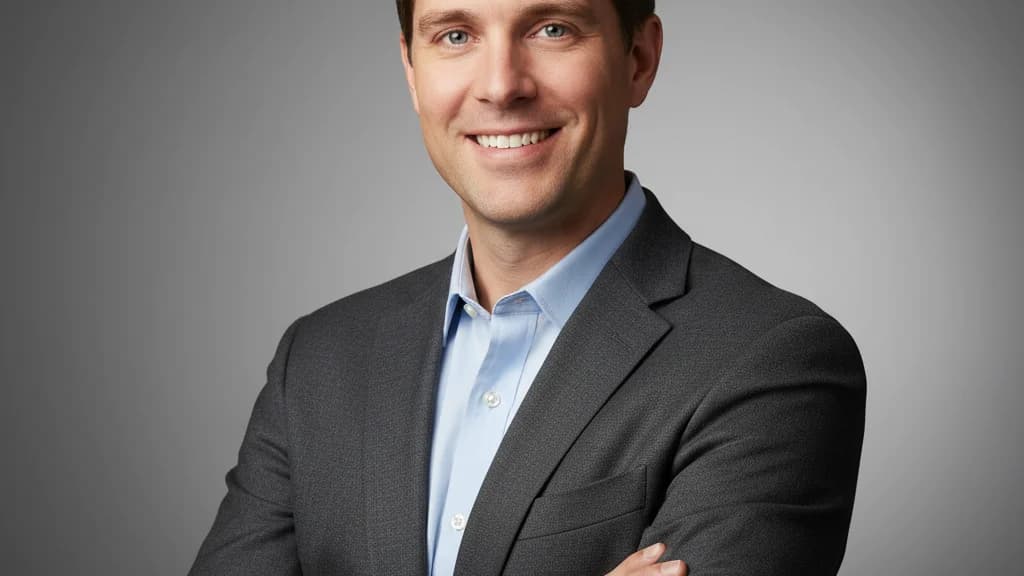
Best AI Headshot Generator in 2026: What to Look for and What to Avoid
Most AI headshot generators produce professional-looking photos. The best ones produce photos that actually look like you. Here's how to evaluate them and which ones are worth it in 2026.
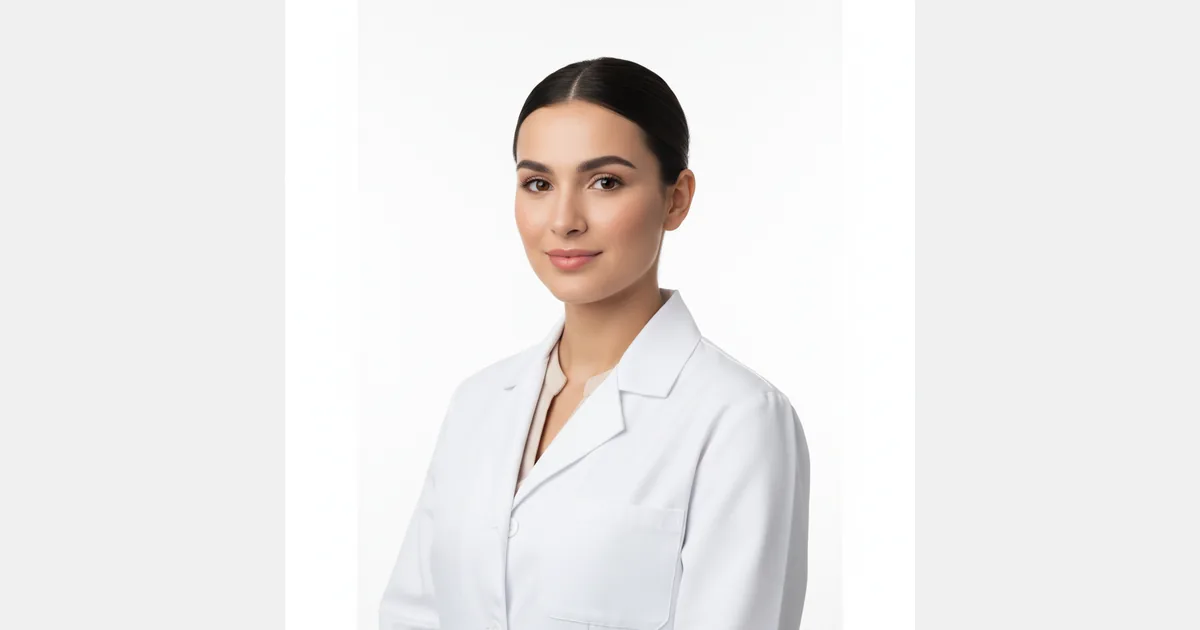
ERAS Headshot Requirements 2026: Complete Guide for Medical Students
ERAS requires a professional headshot for your residency application. Get the exact specs, common mistakes to avoid, and how AI headshots meet every requirement — in 10 minutes.