
Best AI Headshot Generator in 2026: What to Look for and What to Avoid
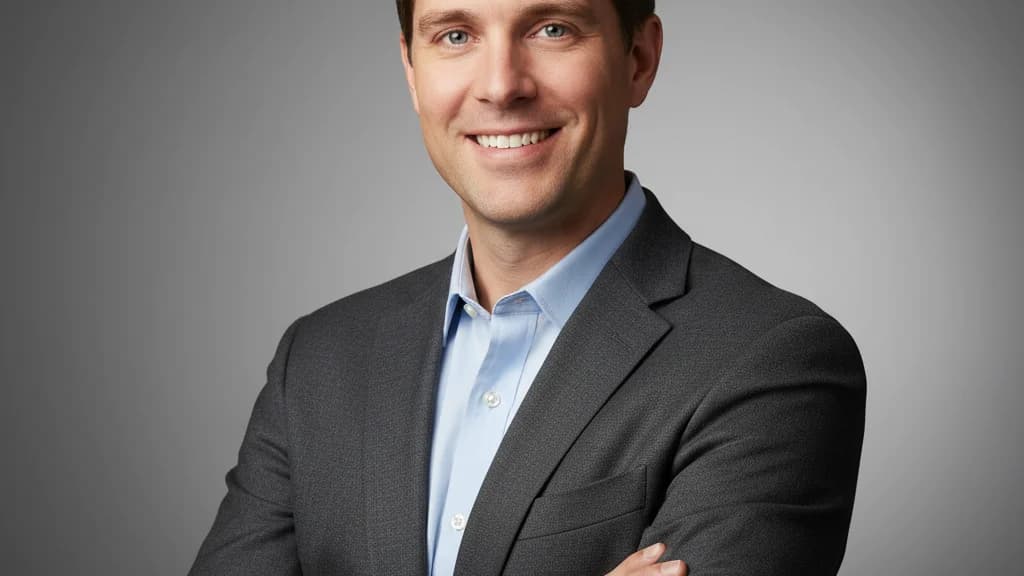
Searching for the best AI headshot generator means wading through a lot of options — most of which will give you a technically polished photo that somehow doesn't look like you.
This guide cuts through the noise. We'll cover what actually separates good AI headshot generators from bad ones, what the key evaluation criteria are, and which tools are worth your time in 2026.
What Makes an AI Headshot Generator "Good"?
Before evaluating specific tools, it helps to understand what you're actually optimizing for. Most people assume the goal is "best-looking photo." That's part of it — but it's not the whole picture.
A great AI headshot generator needs to do two things simultaneously:
- Produce a professionally styled photo — appropriate lighting, clean background, polished output
- Produce a photo that looks like you — your face, your features, your actual identity
Most tools nail #1. The ones that fail almost always fail on #2. You get a headshot that's technically impressive but personally useless — the LinkedIn photo that no one recognizes when they meet you for the first time.
The best AI headshot generators treat identity preservation as the primary constraint, not an afterthought.
5 Criteria for Evaluating AI Headshot Generators
1. Identity Preservation
This is the most important factor — and the one most often glossed over in tool reviews.
What to look for:
- Does the tool train a custom model on your specific photos, or apply a generic style transfer?
- Do the output images preserve your actual facial structure, eye color, skin tone, and characteristic features?
- Do multiple output styles show the same person — just in different settings — or does the "person" subtly shift between styles?
Red flags:
- Outputs look like a polished version of a generic professional person
- Your jawline, nose, or eye shape is noticeably different in the output
- Skin is over-smoothed to the point of looking plastic
- Hair color or texture changes between outputs
Custom model training (where the AI trains specifically on your uploaded photos) almost always outperforms generic style filters for identity consistency.
2. Output Quality and Resolution
A headshot is only useful if you can actually use it. Quality requirements vary by use case:
- LinkedIn / social profiles: 1024x1024 minimum, typically fine at lower resolution
- Company website / bio: 1500x1500 or higher for proper display across screen densities
- Print materials (business cards, conference programs): 300 DPI, typically 2000x2000+
What to look for:
- Output resolution of at least 1024x1024; 2048x2048 or higher is better
- No compression artifacts or blurring around hair edges
- Sharp focus on the face with natural-looking depth of field
- Lighting that flatters without washing out facial features
3. Style Variety
Professional use cases vary. Your LinkedIn photo, your company directory headshot, and your speaker bio photo may need different looks.
What to look for:
- Multiple background options: office blur, solid color, outdoor, studio white
- Clothing/attire variations: business formal, business casual, creative/casual
- Lighting styles: soft natural, studio professional, environmental
- Gender-appropriate and industry-appropriate options
The best generators give you 50–100+ images across 5–10+ style variations in a single session. That means you can pick the right photo for each context without rebooking.
4. Pricing and Value
AI headshots range from $15 to $100+ per session. Understanding what you're paying for:
| Price Range | What You Typically Get |
|---|---|
| $10–$20 | 20–40 images, generic style filters, limited identity preservation |
| $20–$50 | 40–80 images, custom model training, multiple style options |
| $50–$100 | 80–150+ images, high-res output, premium style variety, priority processing |
| $100+ | Enterprise/team packages, white-label options, same-day delivery |
The $20–$50 range is the sweet spot for most individuals. The quality ceiling for that price range in 2026 is high — there's no need to pay $500 for a photographer session to get professional results.
5. Turnaround Time
Most AI headshot generators process in 20–60 minutes. A few offer faster turnaround (under 15 minutes) at a premium.
What to look for:
- Processing time under 60 minutes for standard sessions
- Email notification when results are ready
- Results available for download for at least 30 days (some tools expire quickly)
Turnaround matters most when you have a deadline — a conference bio is due tomorrow, you just accepted a job offer, you're updating profiles for a new role. In those scenarios, AI headshots have no practical competition.
What to Avoid in AI Headshot Generators
Some common issues that indicate a tool isn't worth your money:
Generic style filters instead of custom training If a tool only asks for 1–2 photos, it's almost certainly applying a filter rather than training a custom model. You'll get professional-looking output, but it won't reliably look like you.
No satisfaction guarantee A confident product stands behind its results. If there's no refund policy or satisfaction guarantee, that's a signal about what they expect.
Limited output volume 10–20 photos is low for 2026. You need enough variation to pick the right photo for multiple use cases. Good tools deliver 30+ across multiple styles.
Opaque processing Some tools don't tell you what they do with your uploaded photos. Look for clear privacy policies that explain how input photos are used and whether they're retained.
No style control If you can't choose between different backgrounds, attire styles, or settings, the tool is treating you as an afterthought.
The Best AI Headshot Generators in 2026
HeadshotsByAI — Best for Identity Preservation
Best for: Professionals who need results that genuinely look like them
HeadshotsByAI trains a custom model per session, which means outputs are locked to your actual face — same jawline, same eyes, same features, just better lit and professionally framed. Starting at $29 for 30+ images.
Strengths:
- Identity-first architecture — custom training per user
- 30+ images across multiple styles and backgrounds
- High-resolution output (print-ready)
- Under 10 minutes average turnaround
- Satisfaction guarantee
Best for: LinkedIn profiles, company bios, conference speaker pages, job applications
Other Notable Tools
Aragon AI — Strong output quality, good style variety. Slightly higher price point (~$49+). Works well for professional headshots, though identity consistency can vary.
Secta Labs — Produces high-volume output (100+ images). Pricing is competitive. Quality is solid, though the custom training process requires more input photos.
BetterPic — Budget-friendly option (~$19–$25). Good for basic LinkedIn updates. Lower identity consistency than premium options at the top of the market.
Dreamwave — Enterprise-focused. Good for team headshots at scale. Less suited for individual one-off sessions.
Quick Comparison Table
| Tool | Starting Price | Output Volume | Identity Preservation | Turnaround |
|---|---|---|---|---|
| HeadshotsByAI | $29 | 30+ | Excellent (custom model) | under 10 min |
| Aragon AI | $49 | 40–80 | Good | ~45 min |
| Secta Labs | $29 | 100+ | Good | ~60 min |
| BetterPic | $19 | 40 | Moderate | ~30 min |
| Dreamwave | Custom | 50+ | Good | ~45 min |
Prices and features as of March 2026. Always verify current pricing on the provider's website.
How to Get the Best Results from Any AI Headshot Generator
The tool matters — but so do your inputs. A few practices that dramatically improve output quality:
Use 10–15 reference photos, not 2–3 More reference photos means more training signal, which means better identity consistency. Front-facing, slightly angled, and profile shots all help.
Include variety in your inputs Different lighting conditions, different backgrounds, different expressions. You're not trying to pick the best one — you're giving the model more to work with.
Use photos from the last 6–12 months With your current hair, face, and features. AI headshots trained on photos from three years ago will produce three-year-old-looking results.
Clear, unobstructed face No sunglasses, heavy shadows, hats, or hands blocking your face. The model needs a clean look at your features.
Natural expressions Genuine smiles and neutral expressions train better than forced poses. The AI will produce plenty of professional-facing outputs — your inputs don't need to be professional.
Which AI Headshot Generator Should You Choose?
If your top priority is "looks exactly like me": HeadshotsByAI is the right call. The custom model training per session is the best approach for identity preservation in 2026.
If you want maximum volume at lower cost: Secta Labs delivers high output volume at a competitive price. Identity consistency is decent, not excellent.
If you're on a tight budget: BetterPic covers basic LinkedIn headshot needs at $19. Don't expect perfect identity matching, but usable professional results.
If you're doing team headshots at scale: Dreamwave or enterprise options make more sense than individual session tools.
For most professionals — updating LinkedIn, refreshing a bio, preparing for a new role — HeadshotsByAI hits the right combination of identity accuracy, output quality, and price.
The Bottom Line
The best AI headshot generator in 2026 isn't the one with the most filters or the lowest price. It's the one that produces a professional photo that actually looks like you.
That comes down to one technical decision: custom model training vs. style filters. Custom training wins every time.
If you're ready to see what a genuinely identity-preserving AI headshot looks like, HeadshotsByAI is the place to start.
Try HeadshotsByAI — 30+ professional headshots in under 10 minutes →
Related reading:
Ready to create your professional headshots?
Join thousands of professionals who have already transformed their online presence with AI-powered headshots.
Continue Reading
AI Headshots in 2026: How to Get Professional Results That Actually Look Like You
Most AI headshot tools give you a professional photo. Not your photo. This guide covers why identity drift happens, how to avoid it, and how to get results that actually look like you.
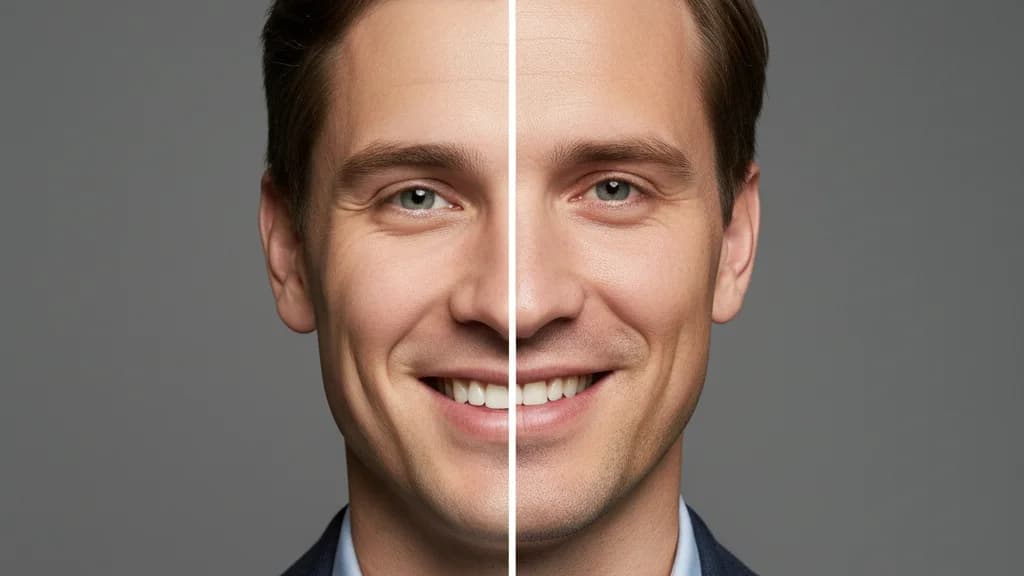
AI Headshots vs Traditional Photography in 2026: An Honest Comparison
Cost, speed, quality, identity preservation — an honest breakdown of AI headshots vs a traditional photographer in 2026, with clear guidance on which is right for your situation.
How to Take Great Reference Photos for AI Headshots (That Actually Look Like You)
The quality of your AI headshots depends directly on the quality of your reference photos. Here's exactly what to shoot, how to light it, and what to avoid before you upload.